Windows 11 · 64-bit
MPFX Your media. One app.
Media Player. IPTV. Library.Play your videos, watch your IPTV sources and bring your movie collection together in one Windows app.
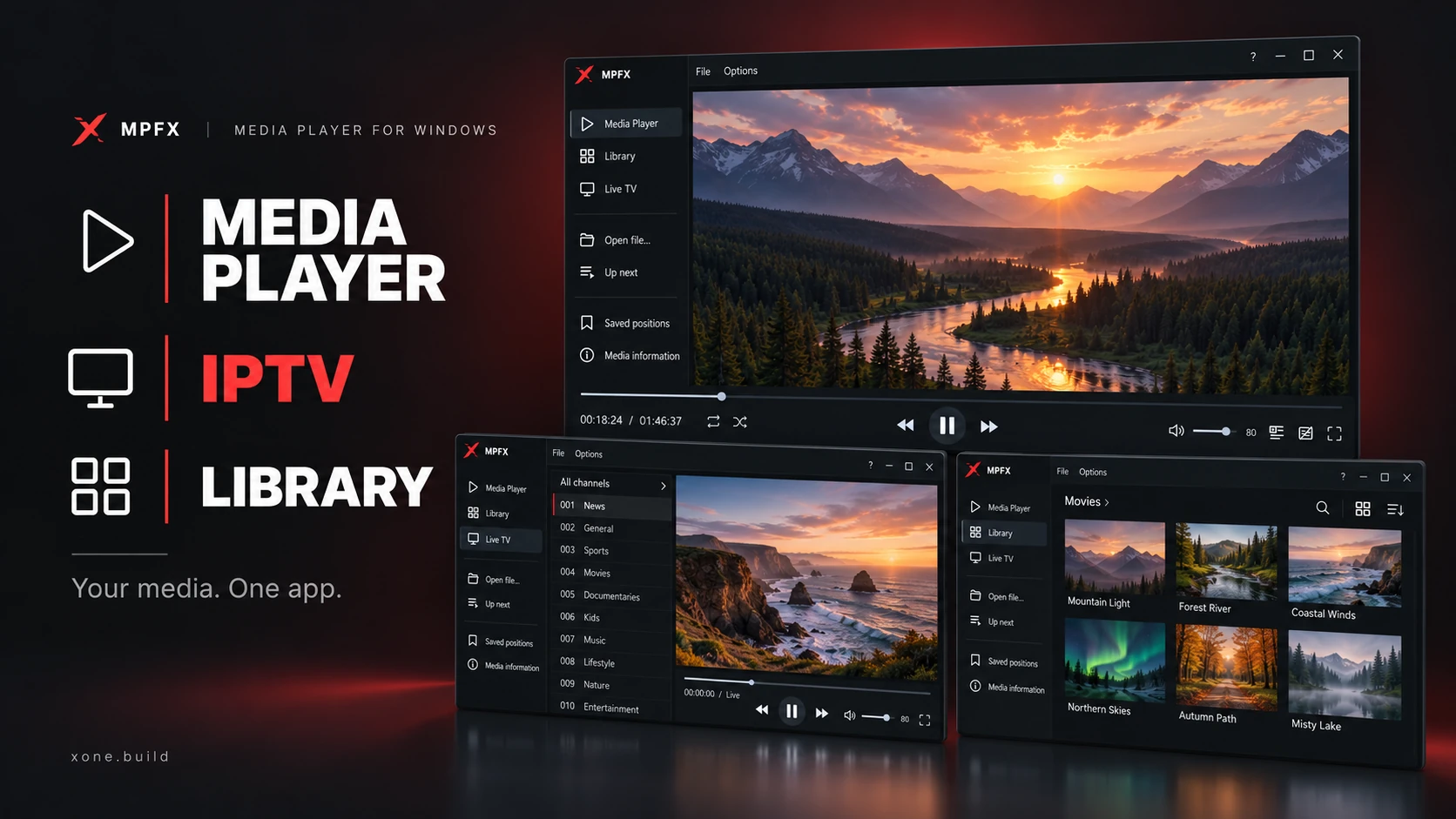
Meet MPFX
Three ways to watch. One MPFX.
From a single video to your movie folders and live channels, keep everything within reach.
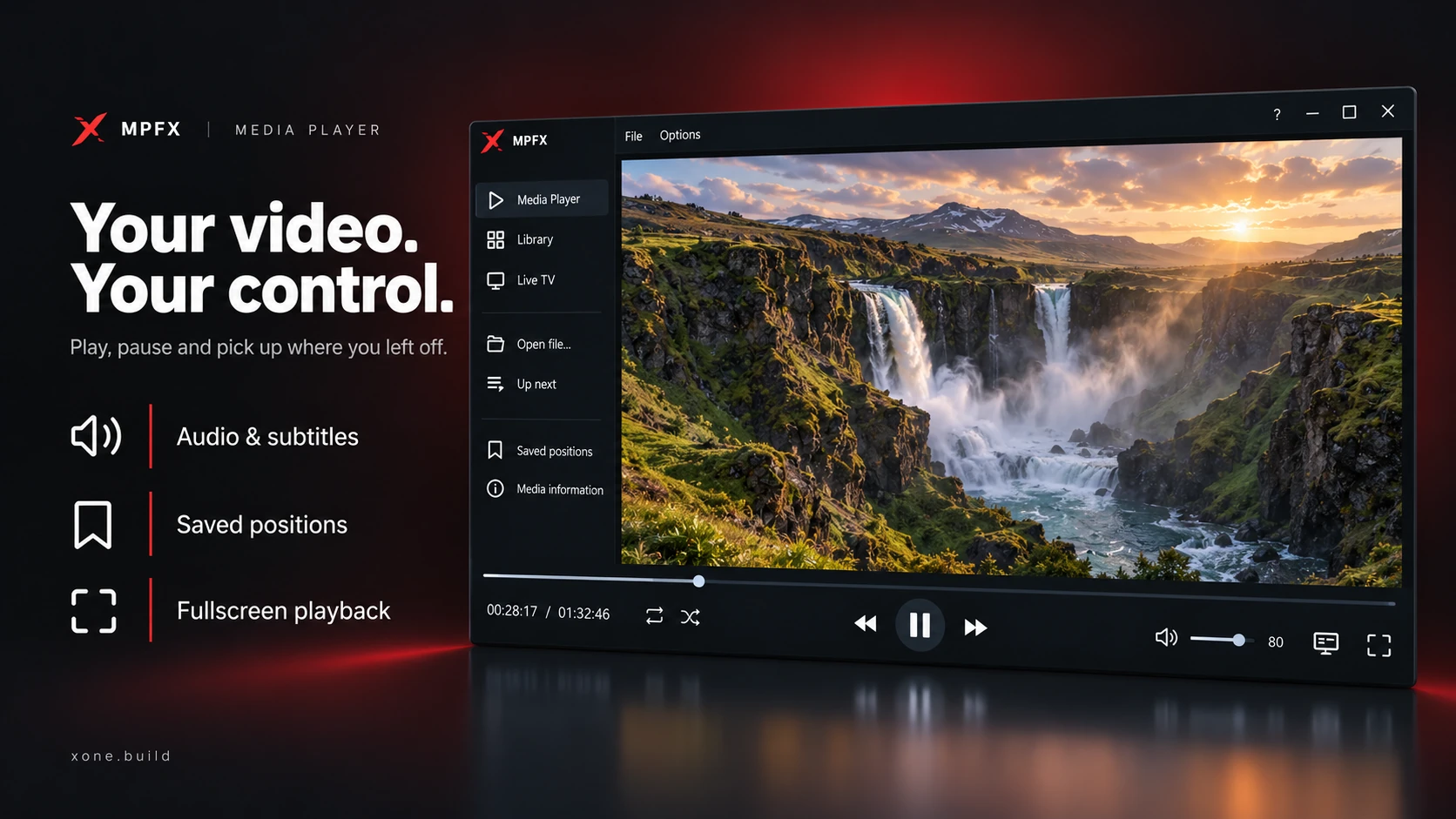
Your video. Your control.
Open a video or folder, build your queue and watch in fullscreen. Choose audio and subtitles, adjust playback speed and save a position for later.
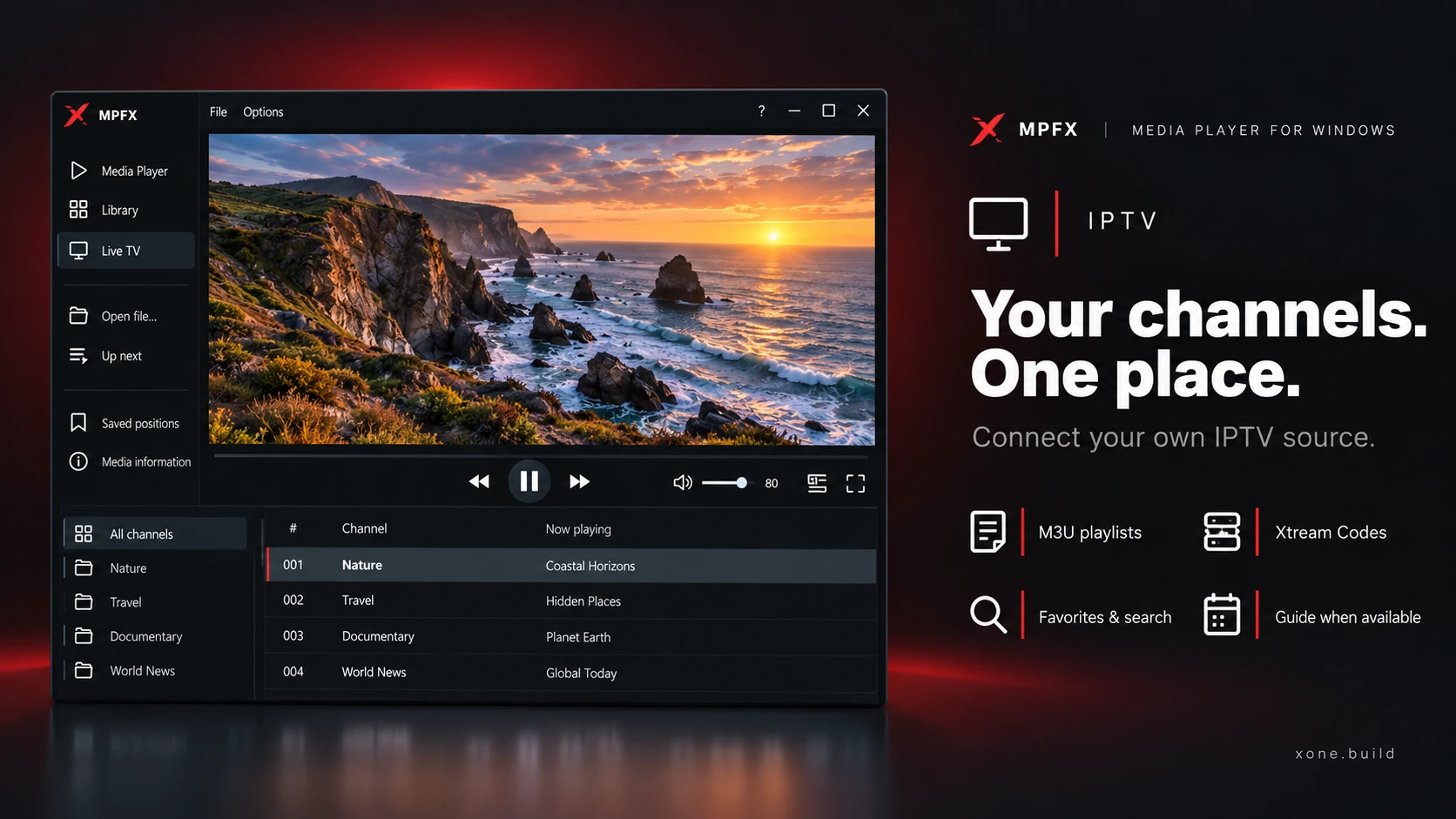
Your channels. One place.
Connect your own M3U playlist or Xtream Codes provider. Browse categories, search channels and keep favorites and recent channels close at hand.
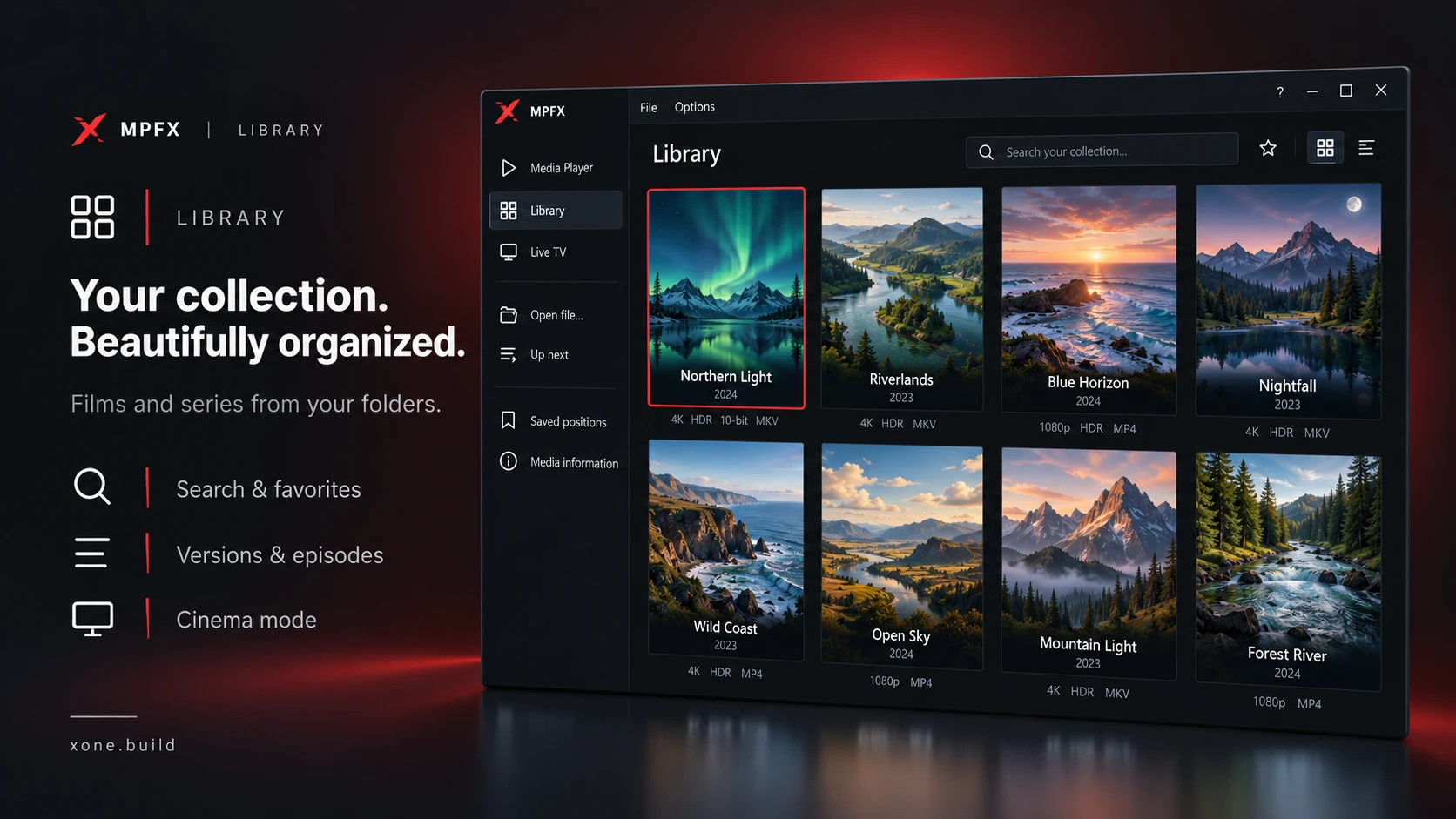
Your collection, together.
Turn your movie folders into a searchable collection of films and series. Browse covers, filter and sort titles, and choose available versions and episodes.
Made for watching
Find it. Play it. Make it yours.
A capable Media Player
Open local videos and folders, build a playback queue and go fullscreen. View media information or capture a frame with a screenshot.
IPTV your way
Bring your own source. Browse channels, favorites and recent picks, plus provider movies and series. Now-and-next guide information appears when available.
A Library worth browsing
Search, filter and sort your films and series. Keep favorites together and browse saved covers offline.
Make room for the movie
Explore your covers in Cinema mode. Use Random movie to pick a title from your collection when you cannot decide.
Picture presets that adapt
Choose Auto, Natural, Fast or Detail. Auto uses AI-trained upscaling when eligible SDR video is enlarged, adapting the scaling to the source and screen.
Stay in control
Choose audio and subtitle tracks, adjust playback speed and picture settings, and return to saved playback positions.
Explore the experience
One app. More ways to watch.


Get in touch
Bug, ideaor just a hello.
Questions and feedback are welcome.
Made by xone.build · dev: xdev143
Support
Saved you time?This code runs on coffee.A coffee is welcome.
Never required.